AINews wire, 23 Nov 2026
Four add-ons that make a local AI model useful at home, beyond raw intelligence
Reported by XDA Developers
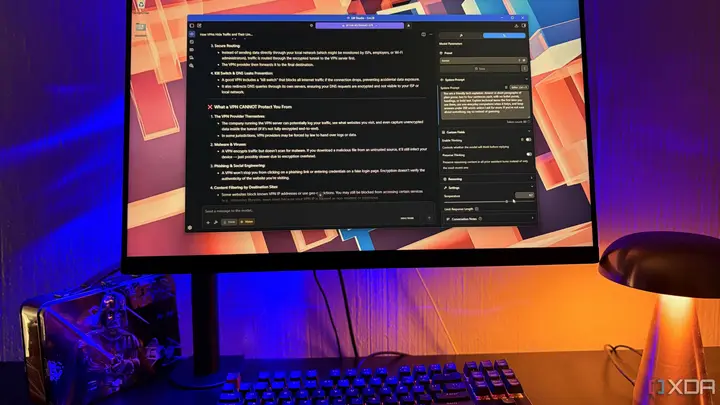
A reviewer at XDA Developers says a local language model on an 8GB graphics card cannot match Anthropic's Claude models on raw reasoning. In the author's account, that gap matters less once the model gets the features that cloud apps wrap around it. The article lists four additions and says each one can be added to a local setup.
The first is a global hotkey. Claude's desktop app opens a small chat box over whatever window is active. The author says most local runners and many wrapper apps, including LM Studio, do not offer this. In Cherry Studio, a Quick Assistants popup opens with Ctrl + E and can be pointed at a local model. The feature is off by default. The author also turns on clipboard reading, so copied text appears with buttons to summarise, translate or explain it. The app has to keep running in the background to catch the shortcut.
The second is web search. A model stops learning on the day its training ends, so it cannot know recent events. With search, the model asks the app for a lookup when it needs one, and the results are added to the chat. This only works with models that support tool calls, such as the Qwen-based models the author uses. Three options are named. The Brave Search MCP works in LM Studio but needs an API key and an edit to the mcp.json file. Jan includes search, turns it on by default, and is easier to set up. Noema, a mobile runner, has its own search switch. The author notes that only the search query leaves the PC. Still, the search provider keeps request records for roughly three months, for billing and fault finding, so the setup is not fully private.
The third is memory. Local runners usually do not carry personal context from one chat to the next. The author first saved notes to a folder and loaded them into new chats by hand. AnythingLLM has built-in memory. It reviews recent chats every few hours, looks for facts about the user and their work, and saves them as short notes. Users can write their own notes, and each note can apply to one workspace or to all of them. Open WebUI and LibreChat also offer memory features.
The fourth is a workspace. Runners such as llama.cpp and LM Studio give fine control over models, but they mostly support plain chat. The author recommends a workspace app that copies the features people use in cloud tools. For the author, the feature in question is Claude Projects. Cherry Studio offers a similar tool called Assistants. Each assistant is a saved system prompt with its own model settings, and every chat started inside it uses both. The author says this is close enough to Projects. The article also recommends picking one tool and staying with it, rather than searching for a perfect copy of a cloud product.
The author says the card can only run small and older models, and that setup and third-party tools matter more than benchmark scores. Qwen 3.5 9B and Bonsai 27B are named as good models that would be of little use without web access or workspace tools.
The article is one user's experience with one hardware setup. It does not give speed or quality measurements, and it does not give prices or release dates for the tools it names. Features in these apps can change, and the privacy terms of search providers may differ from the figures given.
Enjoying this? Get the AI brief
Every Thursday: AI that matters for your home.
✓ Free · seven editions · one click to leave
Original reporting by the sources above. Summary by smart-home.space.