AINews wire, 2 h ago
Canva adds switches to hide generative AI features and content
Reported by 9to5Mac
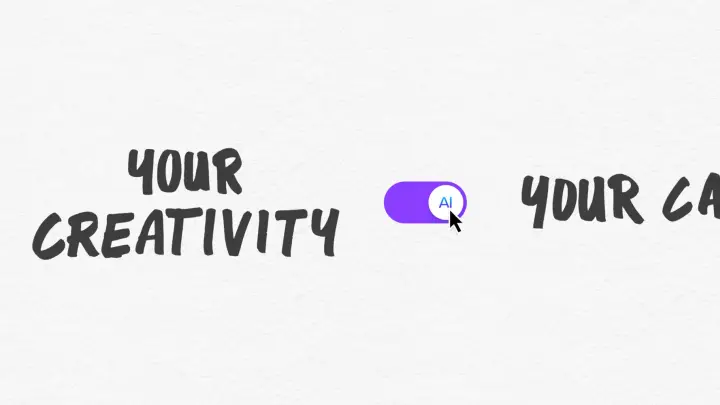
Canva has added settings that let users hide generative AI features in its design app and see less AI-generated content. According to 9to5Mac, the controls are open to Free and Pro users at no extra cost, and they can be switched on or off at any time. The move follows growing pushback from users who want more say over how AI appears in their work.
Two controls are included. The first is a switch that turns supported generative AI features on or off across the app. When it is off, those features are hidden, and they can be turned back on later. It sits under the profile menu, in settings and then permissions. The second is an option under AI personalisation that reduces the number of AI-generated results in library search and template recommendations. It does not change existing designs.
Some AI-based tools stay available even with generative features off. Canva named Background Remover and Magic Grab as examples. They work only on content already in a design and do not create anything new. Canva also said these tools will not add an AI label to a design's metadata, because that label is reserved for content that is AI-generated.
Canva says both views on AI in creative work are valid and that it does not want to decide for its community. It also says a small part of its own library is AI-generated, including some abstract backgrounds and illustrated graphics. Users asked for an easier way to find work by people, so the content control reduces AI templates and elements in results.
The report notes that account admins on team and school plans already had AI permissions for their members, and this update extends similar control to individual users. Canva's official announcement had not yet been published when the report was written, and the outlet said it would add a link once it went live. Rollout dates and regions are not given.
Enjoying this? Get the AI brief
Every Thursday: AI that matters for your home.
✓ Free · seven editions · one click to leave
Original reporting by the sources above. Summary by smart-home.space.