AINews wire, 6 h ago
Claude Code now runs a home Docker server: what one user found
Reported by How-To Geek
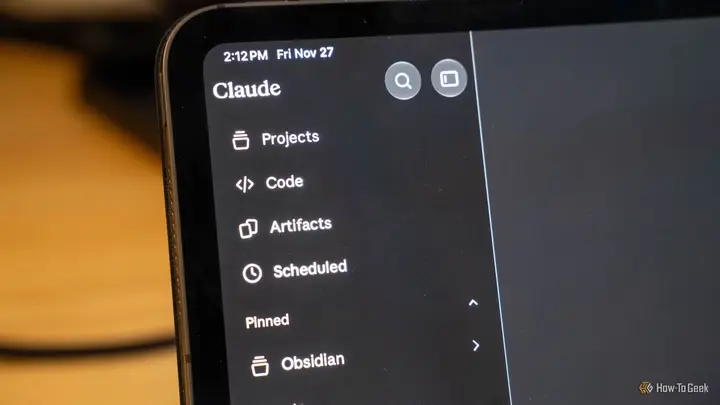
A How-To Geek writer reports that he now lets Claude Code, an AI coding tool, set up and manage his Docker home server. He no longer launches containers by hand. Until recently he installed Docker on Ubuntu himself, first on version 24.04 and later on 26.04. He says that job takes about 20 minutes, with half of that time spent on the Ubuntu install itself.
The writer says the harder parts were always the extras, such as adding a user to the Docker group, building Docker networks and working out complex container setups. He had avoided most of these because simple containers worked well enough for him. Now he describes the AI tool as handling those tasks, from reading the documentation to writing the configuration and fixing errors.
He gives several examples. He asked the tool to create a new virtual machine in Proxmox with Docker ready to use. He also had it launch Tunarr, a Plex channel add-on, with the settings he wanted. He says the process took about 15 minutes. A Postiz container that he had given up on earlier was running about 10 minutes after he gave the task to the tool. He also cites a WordPress site and an Obsidian LiveSync server as jobs he now hands over.
The method he describes has changed over time. At first he used the tool only for debugging. He would copy a log into it and try the suggested fix himself. Now he gives it the whole task, from start to finish. He says the tool can read container documentation quickly and launch services in minutes, and he describes this as paying for a manager he could not afford to hire.
The article is one user's experience, not a formal test. It does not report benchmarks, failure rates or the cost of the AI service. It also does not describe how the writer checks the security of the settings the tool creates, or how often he reviews them. Readers should treat the time savings as his own estimates.
For a home lab, the report shows a clear way to use AI tools. Routine setup and debugging can be handed off, while the owner keeps control of what runs and what is exposed to the network. Readers who try this should keep backups, record the configuration and check each new container before it is opened to the internet. Those who want to learn Docker may still prefer to do the basics themselves, as the writer did for years.
Enjoying this? Get the AI brief
Every Thursday: AI that matters for your home.
✓ Free · seven editions · one click to leave
Original reporting by the sources above. Summary by smart-home.space.