EV & MobilityNews wire, 8 h ago
Apple Maps Share ETA: how to tell contacts when you will arrive from CarPlay
Reported by Engadget
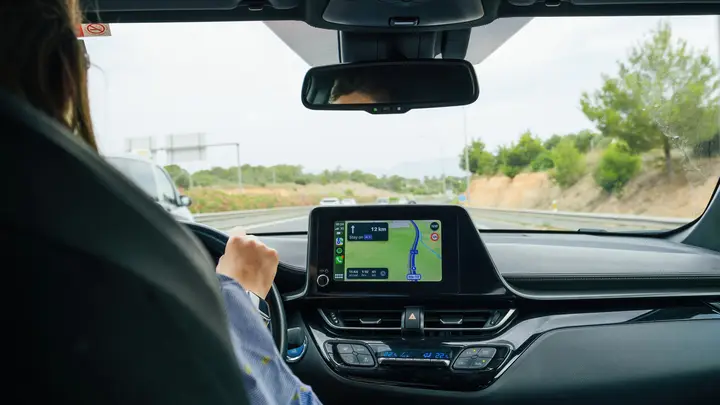
Engadget reports that Apple Maps includes a little-known feature called Share ETA, which lets iPhone users tell family and friends when they expect to arrive. The feature works when drivers use Apple CarPlay, and the outlet argues that it is underused. Engadget describes it as relatively minor but useful, especially for parents waiting on a teenager or hosts planning a surprise.
To switch it on, open the Settings app, go to Apps, then Maps, and turn on Share ETA. Users can also enable location sharing in Messages, Contacts and Find My, and turning on Siri makes the process more convenient. Once a drive has started, a voice command such as asking Siri to share the ETA with a named contact sends the update. Drivers who prefer not to use the assistant can open the trip panel near the lower edge of the screen, choose Share ETA, and pick a recipient.
More people can be added from the same screen, and sharing can be stopped for any one contact. A second method sets up automatic sharing. Users add a contact to a pinned location under Maps and Places, and their ETA is shared each time they select that place and tap Go. Engadget says the feature is simple to use and highly customizable, but the article does not cover recipients without iPhones or cars that lack CarPlay.
The report is a how-to guide from one outlet, so the steps are the writer's account rather than an official Apple document. Readers should check the settings on their own phone before relying on the feature for a trip.
Enjoying this? Get the EV & Mobility brief
Every Wednesday: charging, cars and costs.
✓ Free · seven editions · one click to leave
Original reporting by the sources above. Summary by smart-home.space.