GadgetsNews wire, 2 h ago
CellGuard iPhone app flags fake cell towers, but expect frequent false alarms
Reported by How-To Geek
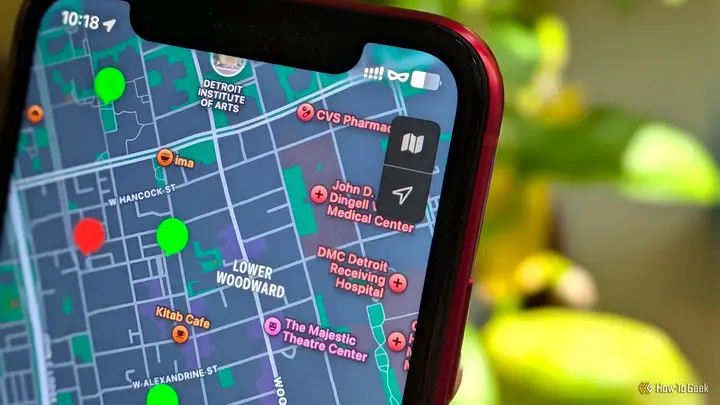
A free iPhone app called CellGuard aims to warn users when their phone connects to a fake cell tower, according to a report by How-To Geek published on 26 November 2026. Fake towers, often called IMSI catchers or stingrays, imitate real mobile masts. They can push a phone onto an unencrypted connection and collect device information.
The report says an attacker who gets a phone onto a fake tower could track its location, read network traffic, or try to attack the firmware of the baseband chip that handles cellular communication. The weakest point is 2G, which accepts connections without real verification. That is why users are often advised to switch 2G off where they can. Newer 3G and later networks authenticate themselves to the handset, but the report notes that state-backed attackers can sometimes persuade carriers to cooperate.
CellGuard captures the data packets passed between the iPhone's baseband chip and iOS. It then checks them against the phone's location history using six measures. These include whether a cell appears in Apple's Location Services database, the distance between that database entry and the user's real position, and whether the frequency channel and cell ID match the database. Other checks look at bandwidth, which can hint at cheap or outdated hardware, at network reject messages that show authentication failures, and at signal strength, since a fake tower may send a much stronger signal to pull phones in.
Expect false alarms. A new tower from a carrier can take several days to appear in Apple's database, so the app may flag it wrongly. The developers admit that most warnings will likely be false alarms. The report stresses that these attacks are rare, and that a warning does not prove you have been hacked or watched. If a warning seems genuine, the practical step is to enable airplane mode or power off the phone, because the phone is already connected at that point.
Setup takes effort. CellGuard is in beta and supports iPhones running iOS 16 or later. Without a jailbreak or Lockdown Mode, the report describes a workaround. The user installs Apple's Baseband debug profile, joins the beta through TestFlight, and creates a system diagnostic file, called a sysdiagnose, every few hours. Detailed baseband data appears in those logs only after the debug profile is installed. The file is created with a button combination, then found in the analytics settings and sent to the app.
The report is blunt about its value. For most people, the app is unlikely to reveal anything alarming, and the manual routine is inconvenient. The author says Android's built-in tool is more useful. Still, the app may interest journalists, activists, security researchers and curious users who want to see what their phone does on the cellular side.
Enjoying this? Get the Gadgets brief
Every Monday: the gadgets worth your money.
✓ Free · seven editions · one click to leave
Original reporting by the sources above. Summary by smart-home.space.