GadgetsNews wire, 1 h ago
Hidden iPhone camera tools for translating, scanning and filming
Reported by Engadget
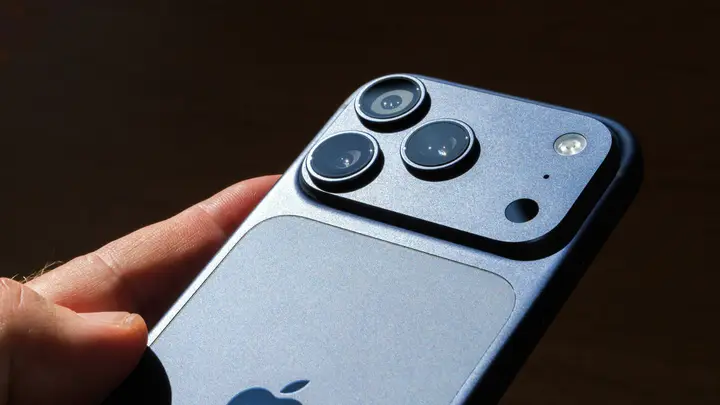
Your iPhone's camera app does more than take photos. An Engadget guide published on 28 November 2026 lists several lesser-known features that many owners never use. The tips cover everyday tasks, zoom and video. The piece is a general how-to, not a report on a new software release.
Start with text. Make sure Live Text is turned on in settings. Aim the camera at printed words, tap the Live Text button and choose Translate. Live Text can also convert currencies and units of measurement. Pointing the camera at a phone number or web address gives you the option to call or visit it, which avoids typing errors. QR codes can be scanned the same way, and you can tap the link that appears. Translation apps such as Apple Translate or Google Translate can also be used.
For distant objects, the camera can act as a magnifier. Use one of the preset digital zoom levels, pinch for more zoom, or press and hold a preset and slide left. This can help when you have left your glasses at home.
For video, the guide highlights two modes. Action Mode steadies handheld footage and works best in bright light. It needs an iPhone 14 or newer. Cinematic mode adds a shallow depth-of-field look, keeps a moving subject in focus and lets you adjust focus while recording. It needs an iPhone 13 mini or later. The guide does not include test results for either mode.
The source does not say how these features perform on older models running the latest software, or whether settings differ by region. Check your model before you rely on a mode.
Enjoying this? Get the Gadgets brief
Every Monday: the gadgets worth your money.
✓ Free · seven editions · one click to leave
Original reporting by the sources above. Summary by smart-home.space.