GadgetsNews wire, 7 h ago
Samsung Routines: three automatic rules that cut phone interruptions
Reported by XDA Developers
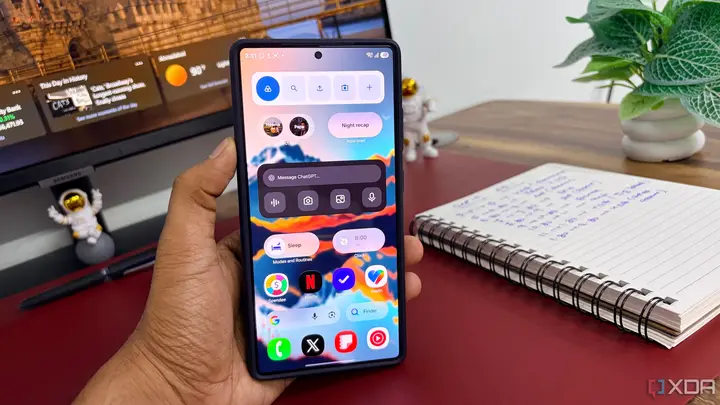
A writer for XDA Developers describes three automatic rules he set up on his Samsung Galaxy S25 Ultra using the Routines feature. He says the phone now stops interrupting him at the wrong moments. The piece is a personal account from one user, not a product announcement, so the results describe his own setup.
The first rule is a work routine. It starts at 10am and ends at 7pm. When it runs, Do Not Disturb turns on, notifications from distracting apps are blocked, and only calls from selected important contacts come through. The author also switches the home screen wallpaper during work hours and shows upcoming calendar events on the screen. According to the author, the phone returns to normal at 7pm with no manual action.
The second rule is a driving routine linked to Android Auto. When the phone connects to the car and Android Auto starts, the routine turns off the Always On Display and turns on Power Saving mode. It also disables fast charging. The author says this reduces heat when the phone is charging during longer trips, especially on hot days. When he disconnects, the settings return to their earlier state.
The third rule is a night routine tied to local sunset and sunrise rather than a fixed clock time, so it follows seasonal changes without edits. At sunset the phone switches to a dark theme, turns on Eye Comfort Shield, lowers system and notification volumes, reduces screen brightness and turns off unnecessary vibrations. At sunrise the previous appearance, volume and display settings are restored.
The author argues that the feature needs no elaborate setup and that Galaxy owners should try it before installing a separate productivity or automation app. He recommends it for that group of users.
Several points are not covered by the source. It does not say which One UI or Android versions include these options. It does not say whether older Galaxy models or phones from other brands offer the same triggers and settings. It also does not give the exact names of every option or how they behave after a software update. The account is based on one device and one user's habits, so results may differ for other owners.
For readers with a Galaxy phone, the main point is that the feature can handle repeated settings changes on a schedule, at a location event such as connecting to a car, or at sunset. Readers with other phones should check their own settings menus before assuming the same options exist. The source does not compare the routines with third-party automation apps in any test, so any claim about relative performance is the author's opinion only.
Enjoying this? Get the Gadgets brief
Every Monday: the gadgets worth your money.
✓ Free · seven editions · one click to leave
Original reporting by the sources above. Summary by smart-home.space.