GadgetsNews wire, 31 min ago
Why your iPhone shuts off randomly and what to check first
Reported by Engadget
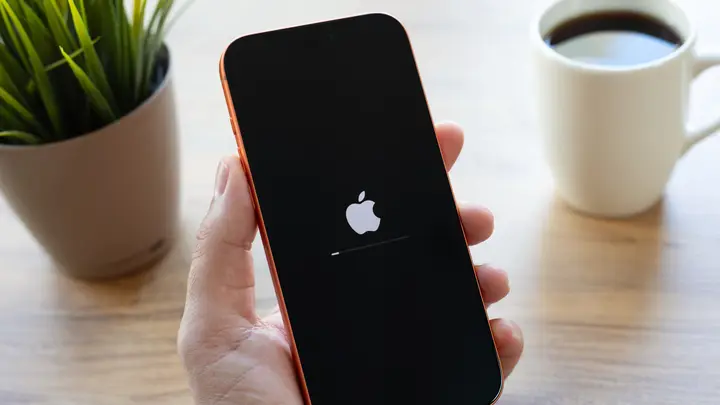
An iPhone can switch off without warning, and owners often cannot tell why. Engadget explains the main causes and how to reduce the risk of shutdowns. The writer draws on personal experience with overheating and battery wear. The piece is an explainer, not a news report: it does not describe a new fault or an Apple recall.
Software is one common cause. A serious bug can stop iOS from running properly, and the phone then restarts as the only fix. Causes can include memory access errors, usually from coding faults. Malware is possible but unlikely on an iPhone, according to the article. Keeping iOS and apps current lowers the odds of such glitches. Users can check iOS updates in Settings under General, and app updates in the App Store under their profile.
Heat is another frequent trigger. When internal temperature gets too high, the phone may shut itself off to avoid damage to components. Before that, it normally slows down to cool, and it may show a warning that it is too hot. Cold can also cause shutdowns, though the writer says they have never seen this. Long periods in direct sun, such as a phone left in a car window, and heavy tasks like 4K video or demanding games raise the risk. In winter, the phone should return to room temperature from time to time.
Battery health is the more serious concern. A worn battery may not supply enough power during demanding tasks, so the phone shuts down to protect itself. The article calls this battery sag, or voltage sag. To check, go to Settings, then Battery, then Battery Health. According to the article, a reading of 80 percent or higher is generally fine; lower readings make problems more likely. If the phone only starts when plugged in, a battery replacement or a new phone is advised.
Hardware faults can also cause restarts. The article describes sensor checks that run every 180 seconds; if one fails, the phone reboots as a precaution. Very low free storage can cause performance problems, so users should check Settings, General, iPhone Storage, and free up space if only a few gigabytes remain. Physical damage may also be the cause.
What remains unclear is which fault applies to a given phone, since the causes overlap and the article offers no reliable way to diagnose them at home. If basic checks do not help, the advice is to arrange a visit to an Apple Store or an approved service centre. The article notes that Apple's self-service repair exists, but diagnosing an internal fault without an obvious cause is hard.
Enjoying this? Get the Gadgets brief
Every Monday: the gadgets worth your money.
✓ Free · seven editions · one click to leave
Original reporting by the sources above. Summary by smart-home.space.