Smart HomeNews wire, 16 h ago
Five Home Assistant helpers for sensors, modes, history, meters and custom values
Reported by How-To Geek
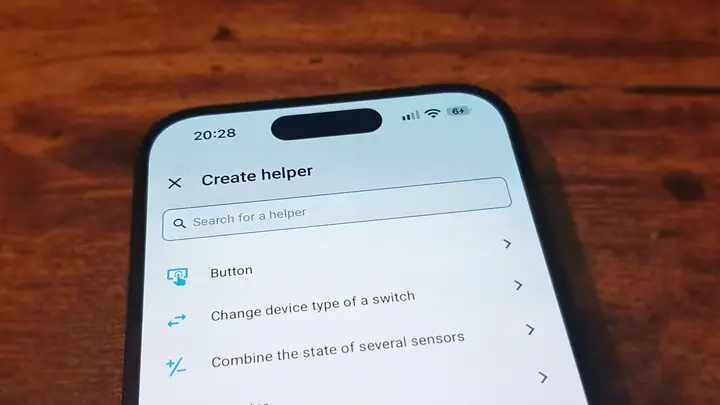
How-To Geek published a guide on 17 November 2026 about five Home Assistant helpers that many users overlook. Helpers are built-in tools that go beyond simple on-off switches. The piece is a how-to rather than a report on a new release, so it contains no launch date, price or availability details.
The first helper is the Group helper. Home Assistant already groups devices by area, so one tap can switch off every light in a room. A Group helper goes further by watching a set of sensors. The guide gives the example of several window sensors. If any one window is open, the group can show that state, even when the others are shut. Groups can also be built as button groups or media player groups. An all entities option changes the state only when every member matches. New sensors are added to the group, and the automation logic stays the same.
The second is the Dropdown helper. Unlike a simple toggle, it stores one value from a list, such as Home, Away, Vacation or Guest. Automations can then make the house behave differently for each option. The article suggests that Vacation could make devices act as if someone were at home, to deter intruders. Because only one option can be selected at a time, a home cannot be set to two modes at once, which is possible with separate toggles.
The third is the History Stats helper. It measures how long an entity stayed in a given state, such as how long the heating ran during a day. Those values can be compared across a week. It can also trigger automations. One example is a notification when a dehumidifier runs longer than usual, which may point to a fault. The guide warns that the helper depends on the history your system keeps. If the Recorder stores only a day or two, a weekly view will not be possible.
The fourth is the Utility Meter helper. It totals energy or water use over set periods, such as a week, a month or a year. It can start a new measurement period while the accumulated total keeps running. The article describes an energy-monitoring smart plug tracked over a month and compared with whole-house use in the same period. The helper needs accumulated totals. A sensor that reports current power draw must first be converted into an accumulated usage sensor.
The fifth is the Template helper, which the author calls arguably the most useful of all. It lets users build their own sensors, switches, lights and device trackers when the built-in options do not fit. The author used it to calculate indoor dew point from indoor temperature and humidity, because no device in the home measured that value. Templates are written in the Jinja2 templating language. The guide says this is manageable for simple sensors, and it suggests an AI chatbot can generate a template if help is needed.
The guide does not list software versions or minimum requirements for these helpers. It also does not say how each option behaves across different installation types. Users who rely on a helper for a safety task, such as checking windows before leaving, should confirm the behaviour on their own Home Assistant version and test the result before trusting it.
Enjoying this? Get the Smart Home brief
Every Tuesday: what changed in Matter, hubs and security.
✓ Free · seven editions · one click to leave
Original reporting by the sources above. Summary by smart-home.space.