GadgetsNews wire, 13 h ago
Halving Galaxy animation speed: a developer setting for a slow phone
Reported by Android Police
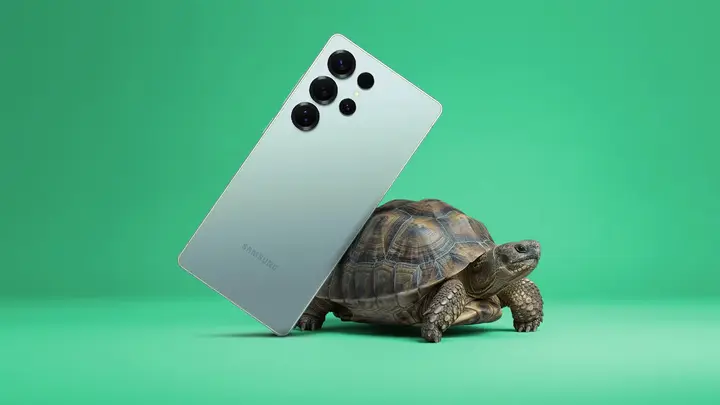
An Android Police editor says one developer setting made his budget Galaxy A25 feel much faster. The phone has 6GB of RAM, and it felt slow after he moved from a Galaxy S25+. The fix is to reduce the speed of the animations Android uses when windows open, switch and change. According to the author, the change does not make the processor work better. It makes the phone feel quicker by cutting the short delay that transitions add.
The settings are hidden until developer options are switched on. To do this, open About phone and then Software information, then tap the Build number seven times. Developer options then lists three scale settings for window, transition and animator timing. The author set all three from 1x to 0.5x so the change stays consistent. He says a full switch-off felt too abrupt, and that some apps, such as Android Auto, rely on transition effects to work properly. The same controls can also be reached through the accessibility menu, but the author found that route gave him less control.
The tip mainly affects owners of Galaxy phones who are willing to open developer options. The author warns that less animation can make the interface look less polished, because elements appear instead of sliding in. He also says the setting may help battery life, though the article gives no measurements. These are his observations on one device, not tested results.
The article also covers RAM Plus, Samsung's feature that sets aside part of internal storage as virtual memory. The author says it is mainly useful on lower-end phones. On devices with 12GB of physical RAM he suggests it may be disabled, since virtual memory is slower than physical RAM and uses storage. He keeps it on his 6GB phone, because 8GB is now the low end for him.
For older phones the author adds some battery habits. He says his old phones slow down when charge falls below 20%, and that he keeps charge between 50% and 70%. He also switched off the ambient screen and live backgrounds on his older devices, and keeps those options for his main phone. The article does not say how much time or battery these steps save, and it does not test the claims on several models.
What is still unknown: the article does not measure speed or battery gains, and it does not say whether Samsung plans to change these developer options in future One UI releases. Results will depend on the model and software version.
Enjoying this? Get the Gadgets brief
Every Monday: the gadgets worth your money.
✓ Free · seven editions · one click to leave
Original reporting by the sources above. Summary by smart-home.space.