GadgetsNews wire, 1 h ago
How to factory reset a Fitbit, and when a restart is the better choice
Reported by Engadget
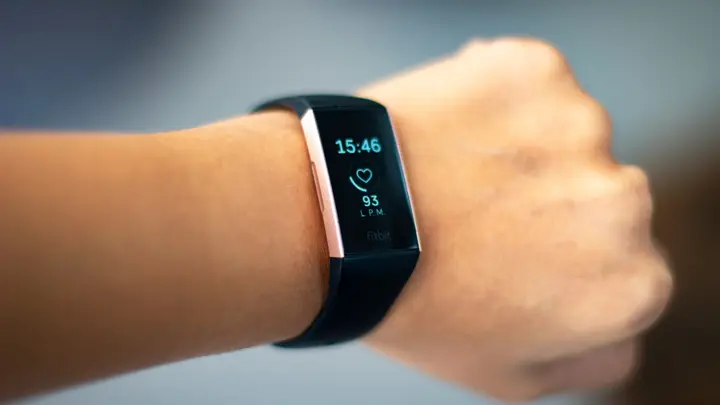
Engadget published a guide on resetting a Fitbit wearable. It separates a simple restart from a full factory reset and explains when each one makes sense. The article also describes how the steps differ between Fitbit models. Its author recounts a case in which a Fitbit Edge got stuck in a boot loop and only a factory reset cleared the fault.
A restart works like switching a device off and on again. It suits a tracker that will not sync with the Google Health app or stops recording data. If the screen ignores taps and swipes, or freezes on one screen, a forced restart is the next step. This usually means holding a button or buttons until the display resets. The exact method depends on the model.
A factory reset returns the device to its original state. It deletes everything stored only on the tracker, such as alarms, goals, notification settings and activities that have not yet synced. Data already uploaded to the Google Health app stays there. The guide names three situations for a reset: giving the device to someone else, selling it, or handing it in for recycling. Data privacy is another reason.
On models with a screen, the route runs through Settings, About, Device Info, then Clear User Data or Factory Reset. Users may need to hold a button to confirm. A slight vibration and the returning Fitbit logo show that the process is done. The newest Fitbit Edge has a shorter route from the top-of-screen menu. Older screenless trackers, such as the Fitbit Flex, need to be connected to a charger and a computer. The user then presses a small reset hole for about three seconds with a paperclip.
The screenless Fitbit Air works differently. According to the guide, it has no traditional factory reset. Holding the back button for 10 seconds while the device sits on its charger restarts it, and the status light flashes white. When a new user pairs the device, the previous account data is cleared automatically. Before handing a tracker over, the guide advises unpairing it in the app under System. If the device will not connect to a new phone, the owner should forget it in the phone's Bluetooth settings.
The guide also notes that a reset takes time to settle. After pairing again, the tracker may need a while before it records data accurately. Owners of older, discontinued models can find their instructions in online support pages or in the Help menu of the Google Health app. The article does not report a new fault or recall affecting Fitbit devices.
Enjoying this? Get the Gadgets brief
Every Monday: the gadgets worth your money.
✓ Free · seven editions · one click to leave
Original reporting by the sources above. Summary by smart-home.space.