Smart HomeNews wire, 10 h ago
Wi-Fi channel settings can cause lag in local smart home automations
Reported by XDA Developers
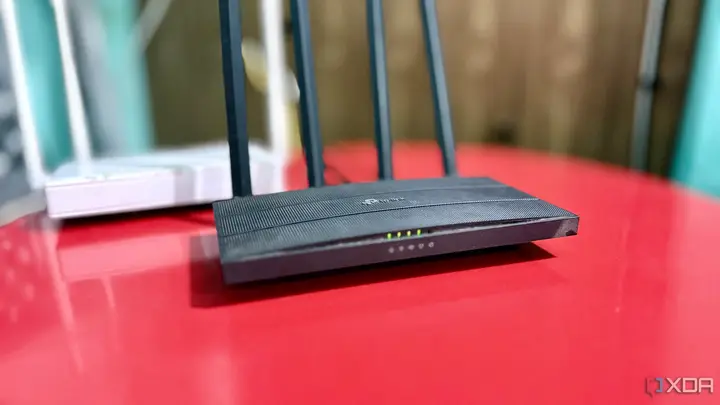
A reader who runs Home Assistant on local hardware may still see slow responses. XDA Developers reports, in the writer's own experience, that a locally hosted setup built to avoid cloud round trips still showed delays on motion lights, smart plug switching and door sensor alerts. The writer first checked processor and memory load, reviewed automation logs and tested a wired Ethernet link to the router. None of these steps removed the lag.
The writer concluded that the bottleneck was radio congestion on the 2.4 GHz band, caused by the router's automatic channel choice. The article explains that smart devices send very small messages, so raw internet speed matters little. Airtime matters more. Wi-Fi devices must listen before they send. When the channel is busy, a device waits a random period, and that wait is what people experience as lag.
The 2.4 GHz band is crowded. In the US, the article says, the band offers 11 usable channels, and only channels 1, 6 and 11 avoid overlapping each other at a 20 MHz width. Nearby networks on overlapping channels can interfere with your devices. Many cheap plugs, bulbs and sensors use older Wi-Fi 4 radios with a single stream. They move data slowly and lack newer efficiency features, so they take a large share of the airtime when busy networks share the band.
Zigbee and Thread also operate in the 2.4 GHz range. The article notes that Wi-Fi transmits at much higher power than these low-power mesh radios. A poorly placed Wi-Fi channel can therefore drown out mesh traffic and force packets to be sent again.
Before changing anything, the article advises finding where the delay starts. Home Assistant's automation trace shows whether time is lost at the trigger, the condition or the action. A ping test from a wired computer to Wi-Fi devices can reveal packet loss and jitter. On the writer's network, idle pings took 10 to 20 ms, while congestion caused spikes from 200 ms to more than 1,000 ms, with dropped packets. A Wi-Fi analyser app on a phone can show signal strength and overlap from neighbouring homes, which matters most in apartment buildings.
The fix that worked for the writer was to turn off automatic channel selection and lock the 2.4 GHz radio to a fixed, non-overlapping 20 MHz channel. The article warns that auto selection can drift onto channels such as 3, 4 or 8, or stay on a busy channel after a restart. It also flags 40 MHz width, which uses about half the band and can add overlap and retry overhead. After the change, the writer's path from a motion sensor to a smart bulb settled at a steady response under 200 ms.
The article is clear that this is not a universal cure. Lag can still come from weak coverage, where signal falls below -75 dBm, from cloud polling integrations that only appear to be local, or from routers that hit NAT or DHCP client limits.
Anyone who runs Home Assistant, Zigbee or Thread devices, or cheap Wi-Fi gadgets, on a shared 2.4 GHz network may be affected, especially in dense housing. The article is one user's account. It does not offer test data across many networks, and it does not show how often router defaults cause this problem. The two-minute estimate for the change is also the writer's own.
Enjoying this? Get the Smart Home brief
Every Tuesday: what changed in Matter, hubs and security.
✓ Free · seven editions · one click to leave
Original reporting by the sources above. Summary by smart-home.space.