GadgetsNews wire, 3 h ago
Mounted TV HDMI problems: four ways to keep ports reachable
Reported by Pocket-lint
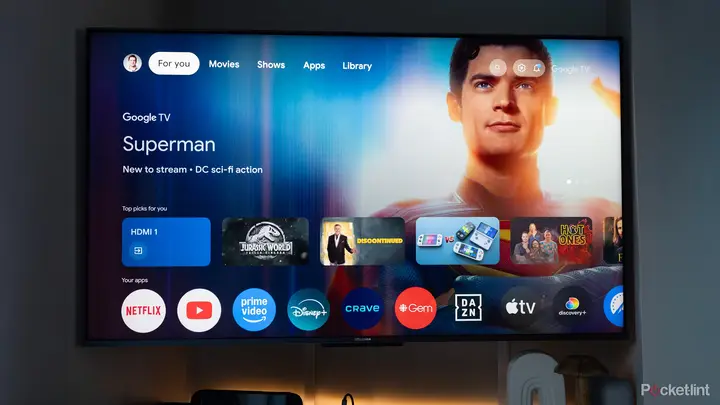
Wall-mounting a TV gives a cleaner look and a higher viewing position, and a thin set with small bezels can seem larger when it sits flat against the wall. The problem is the cables. Once the set is on the wall, the HDMI ports on its back can become hard to reach, and a tight mount can make it difficult to unplug a cable and plug it back in. This guide, published by Pocket-lint on 22 November 2026, walks through the steps to deal with that problem.
The first step is to find the ports before mounting. Most new smart TVs have four HDMI ports, while slightly older models may have two or three. The ports usually sit on the back, often on the right side or the left. Some face the side of the set, some face down, and a single TV can have a mix of both. Each port carries the link to a device such as a games console, a soundbar, a physical media player or a streamer. The guide advises checking where each port sits and judging how easy it will be to reach once the TV is on the wall.
The second step is to prepare before the mount goes up. Connect all the devices while there is still room to work. Leave the cables plugged in during mounting, then attach them to the correct devices afterwards. The guide also suggests using the newest cables. HDMI 2.1 cables suit the latest games consoles and support the top audio formats. Setting this up early avoids having to move the TV again later.
The third step covers accessories that make ports easier to reach. A right-angle HDMI adapter turns a port so the cable leaves the set at a better angle. Another option is a single HDMI box that sits away from the back of the TV. The TV then uses just one port, and a separate set of ports sits in a more convenient and less visible place. This keeps loose cords away from the wall. Wireless HDMI transmitters are a third option. A transmitter connects to the source device and a receiver connects to the TV, which removes the cable between them. The guide warns that wireless links can cost more and may be less reliable. A wired connection is more stable and consistent, especially where there is interference.
The fourth step is to match each cable and device to the right port. The guide notes that an eARC port is meant for audio, so it should carry the link to a soundbar or speaker system. Other HDMI 2.1 ports suit newer devices, such as current games consoles from Sony or Microsoft. Blu-ray players and advanced streaming devices also benefit from HDMI 2.1. Simple streaming sticks, DVD players and older consoles such as the PlayStation 3 work well on a standard HDMI 2.0 port. Putting each device on the right port gets more from every connection.
The guide does not give prices for adapters, HDMI boxes or wireless transmitters, and it does not name specific products. It also does not state how each option affects picture or sound quality on particular TV models. Readers with a specific set should check the port layout in the manual before they choose an accessory.
Enjoying this? Get the Gadgets brief
Every Monday: the gadgets worth your money.
✓ Free · seven editions · one click to leave
Original reporting by the sources above. Summary by smart-home.space.