EV & MobilityNews wire, 1 h ago
Enable speed camera alerts and speed limits in Android Auto
Reported by Engadget
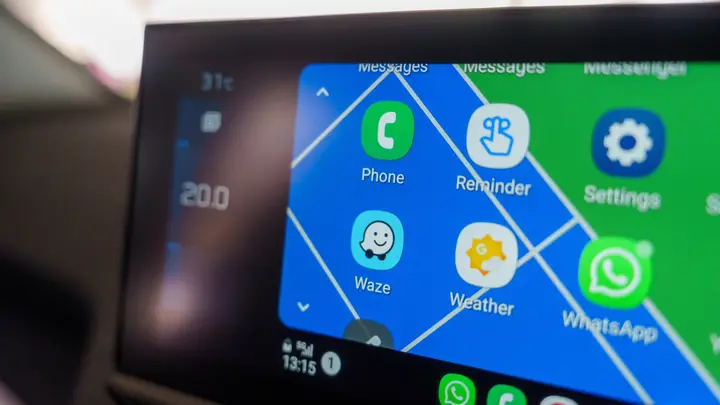
Drivers who use Android Auto can get early warnings about speed cameras, red light cameras, speed traps and average speed zones on their route, according to Engadget. The alerts come from other drivers who report these devices in Google Maps and Waze while they drive. No extra hardware or radar detector is needed. The feature is an early warning system, not a complete list, because reports cannot cover every enforcement device on the road.
To turn on alerts in Google Maps, open the app, tap the profile photo at the top right, and go to Settings, then Navigation. Enable the option for alerts on reported incidents and other conditions that may affect the drive. Android Auto usually opens Google Maps by default.
Waze gives more control. In its settings, under alerts and reports, the camera section lets users choose among five camera types, including speeding, red light and mobile police cameras. Users can switch on the ones they want and set the app to alert them while driving. The source says these choices apply automatically when Waze runs on the car display through Android Auto. The source also says Google Maps tends to flag enforcement less often than Waze, so drivers who care most about this may prefer Waze. Android Auto opens the last-used navigation app, so the choice stays in place.
The same apps can show the posted speed limit and a speedometer. In Google Maps, open the settings menu, tap Navigation, scroll to the bottom and turn on the speedometer toggle next to speed limits. The current speed then appears beside the limit when navigation starts. In Waze, the path is Settings, Map display, Speedometer, Show speed limit, and then Always. Waze can also warn the driver when the speed passes the limit by a set amount, for example five miles per hour over.
The source explains that the phone GPS speedometer can help in cars with larger wheels or tyres than stock, because a bigger tyre circumference can make the car's own gauge read high. Its example: a tyre circumference five percent larger than factory can show 105 mph where the true speed is 100 mph. Using the GPS speed avoids the car's calibration sensor.
What is still unknown: the article does not say how accurate the crowd-sourced reports are, how complete the camera data is in each region, or how alerts behave in each country. Readers should check local rules before relying on these tools, and should keep their attention on the road.
Enjoying this? Get the EV & Mobility brief
Every Wednesday: charging, cars and costs.
✓ Free · seven editions · one click to leave
Original reporting by the sources above. Summary by smart-home.space.