EV & MobilityNews wire, 2 h ago
Wireless Android Auto keeps dropping? Check these phone settings first
Reported by Android Police
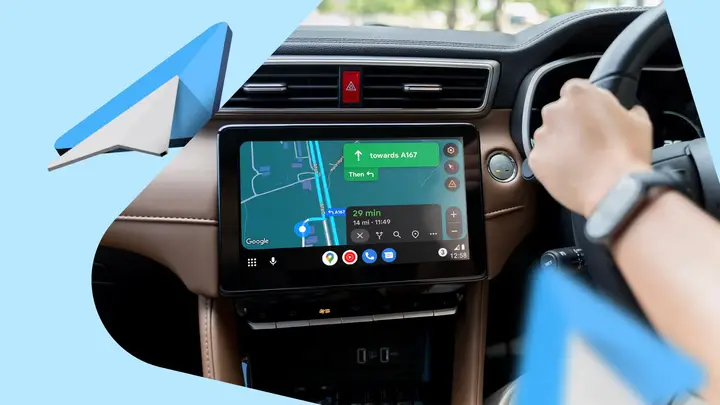
Wireless Android Auto can drop in the middle of a drive or struggle to reconnect. A hands-on report from Android Police describes how the author fixed these problems by changing several phone settings instead of going back to a cable. The steps below are the sequence that author describes. They are not an official fix from Google or car makers.
The first step is to check the connections the system needs. Wi-Fi carries the projection to the car screen, while Bluetooth sets up the first link. Location should stay on during setup. If all three are on, turning Bluetooth and Wi-Fi off and back on can clear a stuck link. Restarting the phone and the car's infotainment unit can help too.
The second step is to remove the old Bluetooth pairing. In Android settings, the path runs through Connected devices, then Android Auto, then Vehicles. The reader forgets the car, removes the phone from the car's Bluetooth list, restarts both devices, and pairs them again. The author says stale pairing data can cause trouble.
Battery settings are the third area to check. Android can limit background activity, and some phone makers add their own power-saving rules. The report suggests changing this only for Android Auto, not for the whole phone. In the app's battery usage option, allow background use and choose Unrestricted if the phone offers it.
Software is the fourth area. Android Auto depends on Android, Google Play Services, the Android Auto app and the car's infotainment system. An outdated part can cause compatibility or connection problems. Check the Play Store for updates, install any pending Android system updates, and look for infotainment updates from the car maker.
Interference can also cause drops, especially if they happen at the same spots on every trip. The report notes that wireless Android Auto uses 5 GHz Wi-Fi, which nearby networks can crowd. Moving the phone to a more open place in the car and turning off its hotspot can help rule this out. Users of wireless adapters may be able to change the Wi-Fi channel, if the maker allows it.
Some points remain unclear. The report describes one user's experience. It does not say how many drivers see the same problem, or whether every car brand responds to these steps. Results will depend on the phone model, the Android version and the car system. The author does not claim that one setting fixes everything, only that these steps removed common causes of disconnections.
Enjoying this? Get the EV & Mobility brief
Every Wednesday: charging, cars and costs.
✓ Free · seven editions · one click to leave
Original reporting by the sources above. Summary by smart-home.space.