GadgetsNews wire, 3 h ago
Too many devices on your home network? How to check your bandwidth limits
Reported by Engadget
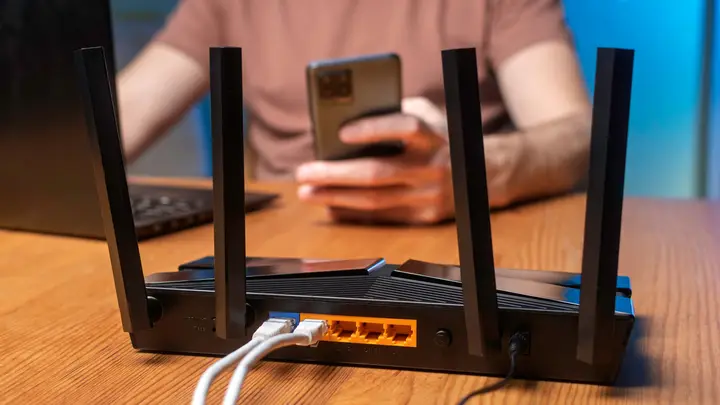
A home network can slow down when too many devices share it at the same time. Streaming, video calls, games and security cameras all draw on one connection, and a single high-end phone can use a large share of capacity by itself. The usual symptoms are buffering, lag in online games and long download times. Engadget reports that many households can fix this by checking their numbers before buying new hardware.
The problem can sit in two places. The first is the internet plan that arrives from your provider. The second is the Wi-Fi link between your router and your devices. A faster plan will not fix a weak signal from a router placed in a corner, and a fast router cannot make up for a slow plan. Find out which link is the bottleneck first.
To estimate capacity, do not rely on a fixed rule about how many devices a given speed supports. Instead, add up how many devices will run at the same time and how much each one needs. Engadget uses Netflix's guidance of about 15 Mbps for each 4K stream as a planning reference. Three such streams need about 45 Mbps before any other traffic. Actual use varies, so treat the total as a rough margin check. For example, ten devices at 10 Mbps each would use all of a 100 Mbps connection, which is the FCC minimum broadband benchmark, and leave no spare room.
Upload speed matters too. Video calls and cameras that send footage to the cloud depend on upload capacity, which on standard broadband is usually much lower than download. Large backups and updates can be scheduled for quieter hours.
For most homes, one router is enough, and a good mesh system or well-placed access points solve most coverage problems. An extra router makes sense in narrow cases, such as a provider gateway installed in a far corner, where a cable to a more central router can help. Connect stationary devices such as PCs, consoles and TVs by Ethernet where possible. This removes their traffic from Wi-Fi, although they still share the internet connection.
If you add a mesh system alongside a provider gateway, check the configuration. If both units route traffic in their default modes, double NAT can occur and cause problems with online games and port forwarding.
The source does not give capacity figures for specific routers or plans, and it does not cover how smart home devices differ in their bandwidth use. Readers should check their own plan speed and device list before making changes.
Enjoying this? Get the Gadgets brief
Every Monday: the gadgets worth your money.
✓ Free · seven editions · one click to leave
Original reporting by the sources above. Summary by smart-home.space.