Smart HomeNews wire, Yesterday
Custom Home Assistant integrations can slow your setup: how to audit them
Reported by XDA Developers
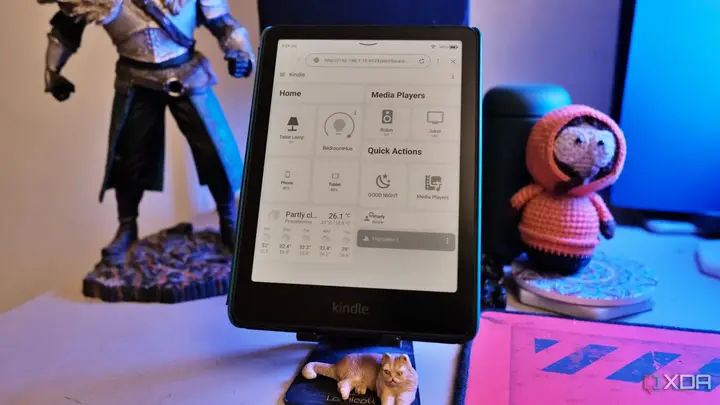
A reader of XDA Developers reports that most custom integrations they installed on Home Assistant made their setup worse. The author's instance changed from a quick local automation hub into a slow system with delayed state updates, sluggish interface rendering and long cold boots. Built-in diagnostics pointed to third-party custom integrations, rather than the hardware or the core platform, as the main cause of the instability.
The article explains why this happens. Home Assistant Core runs on a single-threaded Python event loop, and custom integrations run in the same process as Core, unlike isolated add-ons. A custom component that makes synchronous network calls, reads disks without limits or parses large data on the main loop can hold up every other integration and automation until its call finishes. Slow startup handshakes or device discovery can also delay initialisation until connection timeouts expire.
The author lists further causes. Poor cleanup, unclosed HTTP sessions and repeated polling failures can make memory use grow over long uptimes and can exhaust file descriptors. Custom integrations also share one Python environment. A pinned library that conflicts with another can cause import errors, and a failed dependency install can stop an integration from setting up.
Maintenance is another risk. Home Assistant releases monthly and removes older internal APIs. Many custom integrations are maintained by volunteers in their free time, so fixes can arrive late. Some rely on unofficial, reverse-engineered vendor APIs. When a manufacturer changes an authentication endpoint or rate limit, these integrations may fail quietly or flood the log, and may need manual repair or a rollback.
Storage and logging are a further cost. Custom devices such as energy monitors, mmWave radar sensors and network equipment often poll every one to ten seconds or expose many fast-changing attributes. Home Assistant's recorder saves state changes and their attributes, so this swells stored data and pushes disk work higher. How much this slows history views and the logbook depends on the amount of data kept. Some components also write long Python tracebacks to the log every few seconds when a device is offline, which fills disk space and hides real warnings.
The fix the author recommends is an audit. Start Home Assistant in safe mode, which turns off all custom integrations and community frontend modules, to test whether they cause the problem. After removing unused integrations, such as those for devices no longer owned or test installs, the author saw faster cold restarts, steadier memory use, cleaner logs and more predictable automations.
For new installs, the author prefers official core integrations such as Matter, Thread, Zigbee and ESPHome where they exist. When a custom integration is needed, check its commit history, open issues and manifest dependencies first, then set record exclusions and turn off unused diagnostic sensors. The conclusion is not to avoid custom integrations, but to use them as targeted, audited tools.
Enjoying this? Get the Smart Home brief
Every Tuesday: what changed in Matter, hubs and security.
✓ Free · seven editions · one click to leave
Original reporting by the sources above. Summary by smart-home.space.