Smart HomeNews wire, 1 h ago
Turn an old phone or tablet into a smart home dashboard
Reported by Engadget
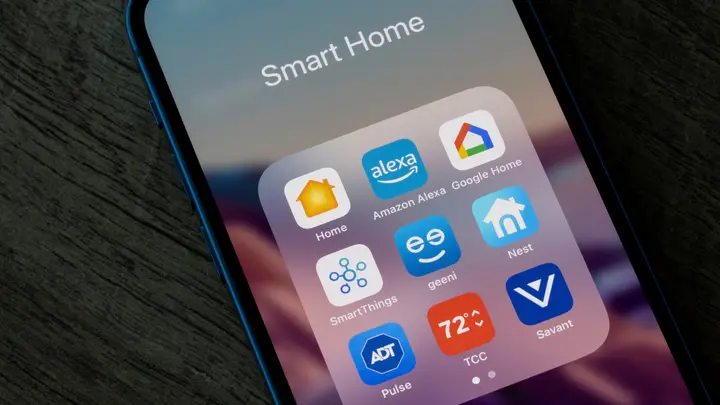
An old spare phone or tablet can be set up as a dedicated smart home dashboard, according to a how-to article in Engadget. The idea is to control lights, cameras and robot vacuums from one screen, without reaching for a phone or speaking a command.
The author argues that such a device needs little power. It only has to show one app or web page, so older hardware is enough. The device can stay plugged in on a stand all day. The writer uses an old Android phone with a magnetic ring and a wireless charging stand to keep it topped up.
Devices from many brands can be brought into one hub such as Google Home, Apple HomeKit or Samsung SmartThings, which removes the need for separate manufacturer apps. The article gives Philips Hue, TP-Link Kasa and Govee devices linked to a Google Home account as an example.
On the display side, the setup depends on the platform. Android users can keep the Google Home app open. iPhone users can use Apple's Home app, which the author finds better suited to a permanent remote. The display should also be kept awake. On Android, a developer setting called Stay Awake does this. On iOS, the article points to Guided Access, which locks the device to one app until the lock button is triple-clicked.
Google Home and Apple Home limit how the screen can be customised. Users can rearrange device controls but cannot add a clock, weather or calendar. Third-party apps can fill that gap on iOS and iPadOS, and the article names HomeDash and HomePad. Google Home does not allow third-party apps to reach devices, so Android users are pointed to standalone remotes such as HomeHabit.
Home Assistant is presented as the most customisable option and is free, but it needs an always-on computer such as a mini PC or Raspberry Pi. It supports protocols such as Zigbee and Thread, so devices from brands like Philips Hue and IKEA can connect without their own hubs.
The article is a how-to guide based on the author's own setup. It gives no test results or prices for the apps it names.
Enjoying this? Get the Smart Home brief
Every Tuesday: what changed in Matter, hubs and security.
✓ Free · seven editions · one click to leave
Original reporting by the sources above. Summary by smart-home.space.